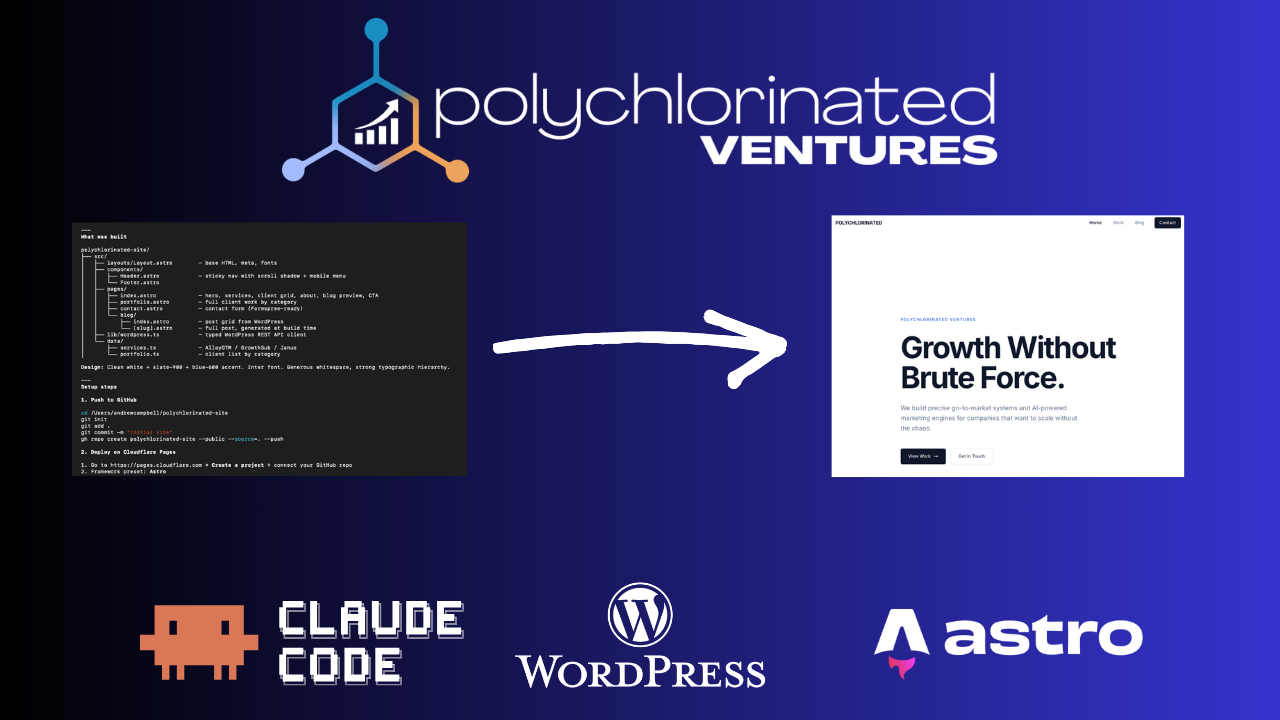
Ahead of my upcoming birthday, I thought that a website redesign was in order. I’ve been looking for ways to improve performance across all my client websites, and I discovered a new method that really appeals to me:
- Astro hosted on Cloudflare Pages for the frontend
- Headless WordPress for the CMS
- Claude Code for the build
Here’s just a few of the reasons I decided on this approach.
Fewer decisions
I hate making decisions about matters of preference. Lots to unpack there in another article! But, when it comes to design, or selecting the best tool to deliver functionality, I fall into analysis paralysis.
Having Claude Code set up the website in Astro means I can get started without configuring all the dozens of plugins offered in the WordPress ecosystem. I may have found some that consistently work for me, but I’m sure most of them are slowing down client websites. My speciality is thinking through the jobs to be done and wiring up content and tasks to achieve the right outcomes. My progress is often derailed when I need to decide on minor layout tweaks.
Proven performance
I’ve seen some compelling stories from other developers who swear by the ease and power of this combination. Mark Szymanski was the most recent promoter I watched, and rather than developing my own approach, I followed his lead.
I have several websites to redesign, and I’ve already spent a lot of time and effort on the content. I know there are improvements to make, but having Claude Code run with a redesign using the foundation I already built brings so much relief. I can tweak the details later, but I want a fresh, clean rebuild that retains the content but not the technical debt.
Cloudflare Pages is particularly powerful because it delivers static files from Cloudflare’s global network edge. I can make changes in WordPress or with Claude Code/Cursor, but new deployments of the code are delivered by Cloudflare without loading dozens of plugins or other rarely-used code.
I just finished a comprehensive evaluation of my client sites and the performance improvements I’m expecting to see are massive:
- Mobile Performance: The current 4.2-second Largest Contentful Paint (LCP) and 2.4 seconds JavaScript execution get replaced with Astro’s “Zero-JS by default” architecture; LCP will likely drop to under a second.
- Fixing Elementor Dependencies & Layout Shifts: Elementor requires JavaScript, but rebuilding in Astro removes this bloat. Additionally, Astro’s native
<Image />component automatically enforces explicit width and height attributes, which directly resolves the Cumulative Layout Shift (CLS) warnings I was getting in existing sites. - Improving Technical Hygiene: Challenges with keeping the schema, headings, and other details up to date should be dramatically improved. I know what to look for, but it’s far too time-consuming to locate and update every minor detail involved. A simple prompt to Claude Code handles it for me in minutes.
Cost management
Ultimately, I need to be cost-efficient for myself and my clients. After all, they’re not paying me any more when I add new features. I already have WordPress hosting pre-paid, and Cloudflare Pages are free at the level I currently need. I’m not doing anything too crazy right now, but even if I do end up paying for Cloudflare, the $25/month Pro plan should work perfectly.
I’ll continue to update here as I learn more and start tracking results!